
Ready to simplify payments and boost your sales? With just a few clicks, you'll have a streamlined way for customers to complete their purchases effortlessly.
Create a Payment Link
Here's how to create your payment link:
- Navigate to Payments → Payment Links.
- Click Create New Payment Link.
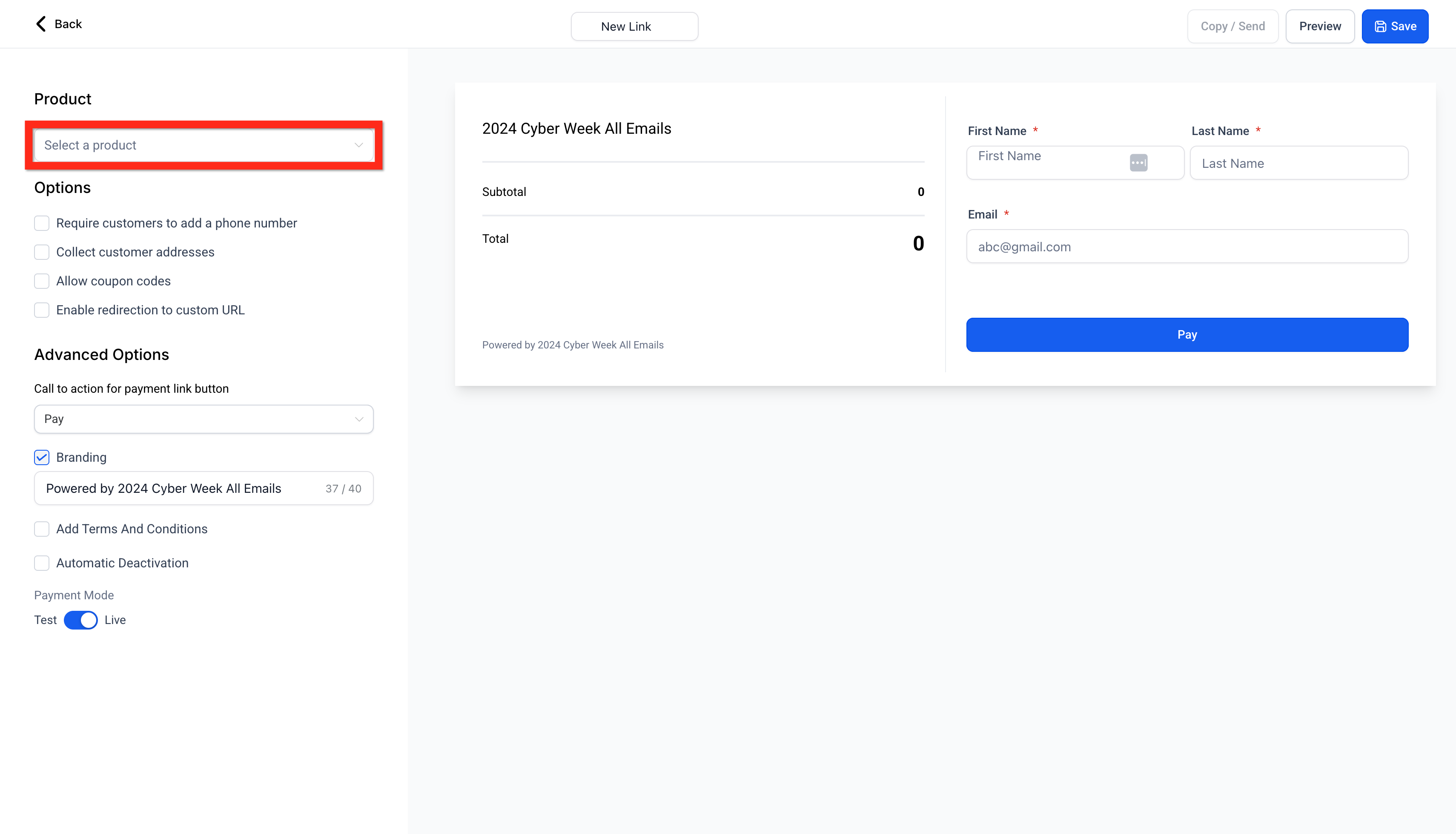
- Select your product.
- Configure your product by setting quantities, options, and other preferences.
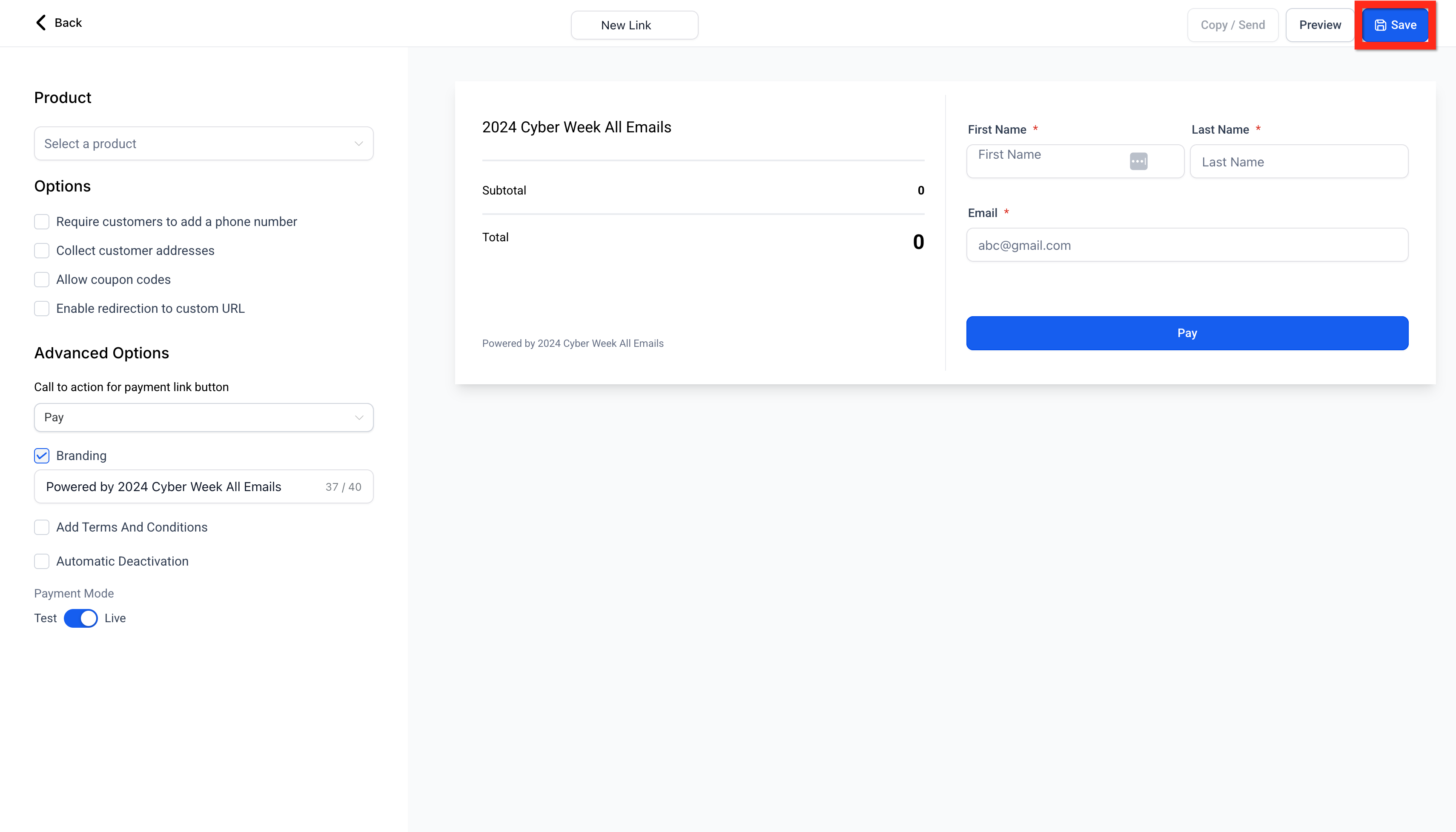
- Click Save.
Tip: The hosted checkout adapts to the Platform Language configured in your Business Profile. Supported languages include English, Danish, German, Spanish, Finnish, French (regional variants), Italian, Dutch, Norwegian, Portuguese (regional variants), and Swedish.
Share Your Payment Link
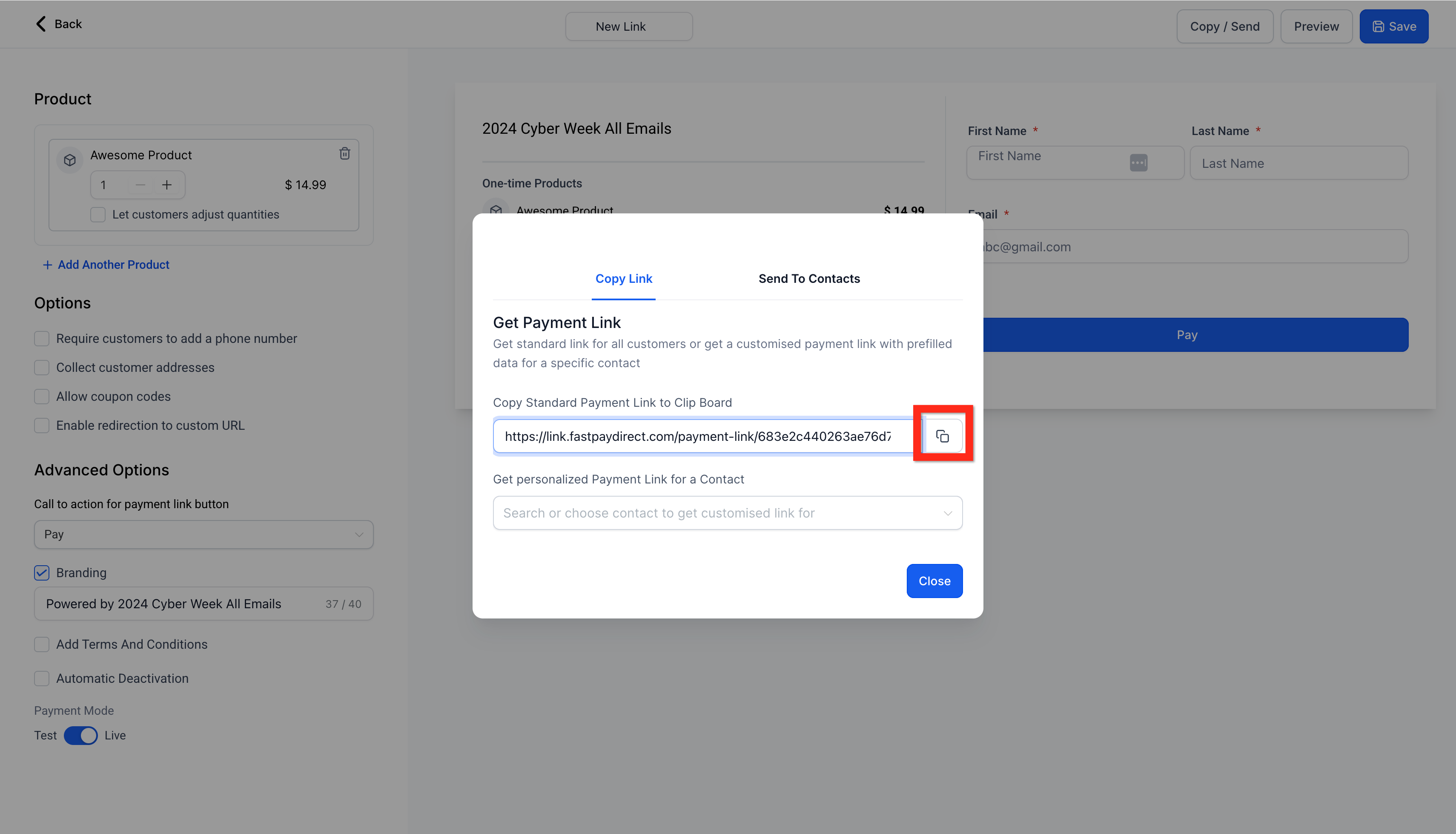
Click Send to share your payment link in one of three ways:
- Generic link: Anyone with the link can access it.
- Personalized link: Only the specified recipient can access it.
- Send to contacts: Share directly with your saved contacts for added convenience.
What's Next?
Now that your payment link is ready, consider customizing your customer experience further:
- Customize Payment Links with your brand colors for a polished, on-brand checkout.
- Enable editable quantities so customers can choose how many items they purchase.
- Set up automatic taxes to ensure accurate pricing at checkout.
- Send personalized payment links to multiple contacts at once.
Comments
0 comments
Please sign in to leave a comment.